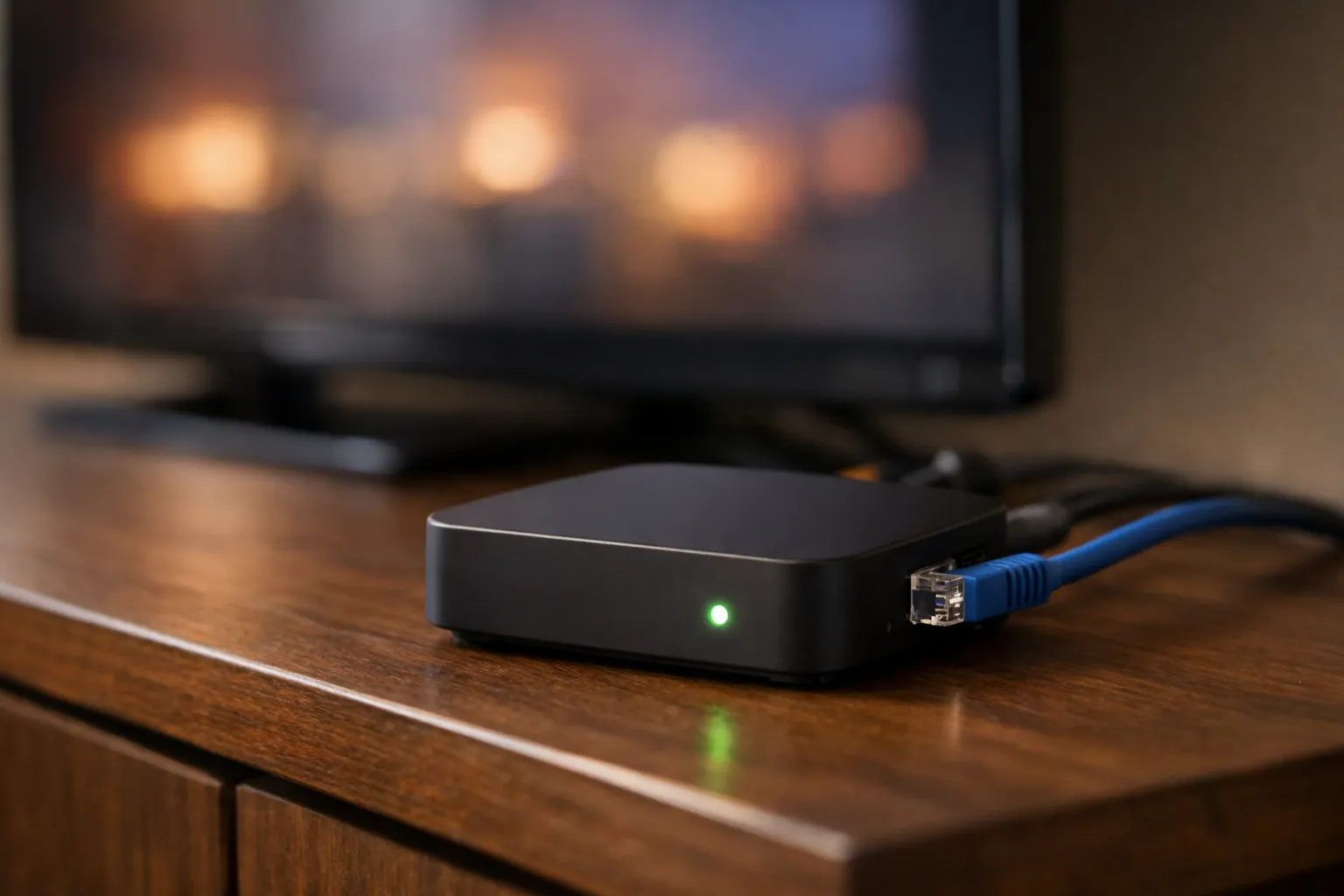
If a provider or a setup guide asks for a portal URL, you are using the oldest IPTV login method, the one MAG set-top boxes were built around. This guide answers what a portal URL is in IPTV, how it pairs with your device’s MAC address, where to find that MAC, and why the free “Stalker portal codes” shared online do not work. It explains the model rather than one box’s menus; for step-by-step MAG setup, use our MAG 250, 254, 322 and 424 setup guide.
Portal URL, Xtream login or M3U: three ways in
A portal URL logs a device in by its MAC address. An Xtream Codes login uses a server URL with a username and password, and an M3U link is one playlist address with the credentials built in. All three can reach the same channels; they differ in what identifies you.
| Login type | What you enter | What identifies you | Where it is used |
|---|---|---|---|
| Portal URL (Stalker-style) | One portal address | The device’s MAC address, registered by the provider | MAG boxes, STB emulator apps, Smart STB-style TV apps |
| Xtream Codes login | Server URL, username and password | The username and password | Most player apps, such as IPTV Smarters Pro and TiviMate |
| M3U playlist | One long link | Credentials built into the link | Almost any player, including VLC |
A portal login fails when the MAC is wrong, even if the URL is perfect, because the URL alone proves nothing about who you are. If you are unsure which details your provider sent, our guide to reading your IPTV login details separates the three formats.
How a Stalker portal recognizes your device
A Stalker-style portal authorizes the device’s MAC address instead of asking for a username and password. When the box starts, it sends its MAC to the portal URL, and the portal checks that MAC against the provider’s list of active subscriptions.
“Stalker” is the name of the middleware behind this method: software that sits between the provider’s streams and the box and decides what each device may see. A set-top box has a remote, not a keyboard, so typing a password on every start would be painful. The MAC address is already inside the hardware, so the middleware uses it as the identity. That is why your provider asks for your MAC before setup: until they register it on your subscription, the portal has no reason to let the box in.
If the MAC is not registered on an active subscription, the portal refuses the device. Depending on the portal and the box, that shows up as an error, a portal screen that never moves on, or a message telling you the box is blocked. We cover that last one in what the “STB is blocked” message means.
Where to find your MAC address
On a hardware MAG box, the MAC address is printed on the label underneath and also shown on the box’s own information screen. On an STB emulator or a Smart STB-style app, the app shows the MAC it presents to the portal inside its own settings.
| Device | Where the MAC is shown | When it changes |
|---|---|---|
| Hardware MAG box | Printed on the label underneath and shown on the box’s own information screen | Assigned at the factory; changing settings does not change it |
| STB emulator app (Android box, Firestick) | Shown inside the app’s own settings | Can differ between apps and between devices, so check it again after a switch |
| Smart STB-style app on a smart TV | Shown inside the app | Tied to that TV and that app |
Menu names differ between firmware and app versions, so look for an information or device screen. Check the MAC twice: 0 and O, or 8 and B, are easy to swap on a small label.
Under IEEE rules a MAC address is six pairs of characters. The first three pairs are the manufacturer prefix, called an OUI, assigned by the IEEE; the last three identify the individual device. Boxes from the same maker usually share the first three pairs. So if the MAC your provider has on file starts with a different prefix from the one on your label, it belongs to another device, and no setting on your box will fix that.
Entering a portal URL correctly
Type the portal URL exactly as your provider sent it, including the http:// or https:// at the start, any port number after a colon, and any path at the end. One wrong character means the box cannot reach the portal at all.
The mistakes that most often break a portal login are small ones:
- Leaving out the http:// or https:// prefix, or typing the wrong one.
- Dropping the port number, the colon and digits some portal addresses include.
- A trailing space or a missing final slash copied from a message.
- Swapped look-alike characters: a capital I for a lowercase l, or O for zero.
- Pasting a server URL meant for a username-and-password login into the portal field when your provider sent a separate portal address.
After saving the address, restart the box fully rather than only leaving the menu, so it reads the new portal on start. If the portal loads but refuses the device, the URL is fine and the MAC is the thing to check.
Why “Stalker portal codes” found online fail
Free portal codes fail because a portal only opens for MAC addresses the provider has registered. A published URL with a MAC attached works only for a device pretending to be someone else’s box, and providers block MACs they see shared.
Code lists pair a portal URL with one or more MACs. To use one, you would have to make an emulator present that exact MAC, which means copying another subscriber’s identity. The portal then sees the same MAC arriving from two places, and the provider blocks it. Whatever you set up stops working, and the subscription was never yours. We do not publish or link any third-party portal or code, and we would suggest you don’t rely on them.
New device, new MAC
Yes, changing your box or app usually means re-registering. A new box has a different MAC, and a new emulator app can present a different one, so the provider has to register the new MAC before the portal will open on it.
Before you buy new hardware, ask your provider how they handle a device change, because policies differ. Send the new MAC exactly as shown, the old MAC, and the name or email on your account. TVNado support answers on WhatsApp 24/7 if you are moving to a new box.
Which players and boxes support portals
Portal logins work on MAG boxes and on apps that emulate a set-top box, such as STB emulator apps on Android devices and Smart STB-style apps on some smart TVs. Many popular player apps are built around Xtream Codes logins and M3U playlists instead.
Before you assume an app can take a portal, open its add-playlist or add-user screen and look for a portal or MAC option. If there is none, ask your provider whether your subscription can also be used with a username-and-password login. Our comparison of IPTV players by device shows which login types each one handles, and if you are choosing hardware, read whether a MAG box still makes sense.
Frequently asked questions
Where do I get a Stalker portal URL?
From your IPTV provider, after they register your MAC on a subscription. It is not a code you can find or generate yourself.
Why does IPTV need my MAC address?
On portal logins the MAC replaces the username and password. The provider registers it so the portal knows the device belongs to a paying account.
Can I use a portal URL on Firestick?
Only through an app that emulates a set-top box and offers a portal option. Otherwise use Xtream Codes details or an M3U link in a player app.
Test a portal login before you pay
TVNado’s free 24-hour trial runs over WhatsApp with no card needed, so you can check the setup on your own box first. Plans start at $19.99 a month with no contract; see TVNado plans and device options. A first payment is covered by a 7-day money-back guarantee.
Stream Everything with TVNado
55,000+ live channels · NFL · NBA · MLB · 4K UHD · No contract · From $19.99/month