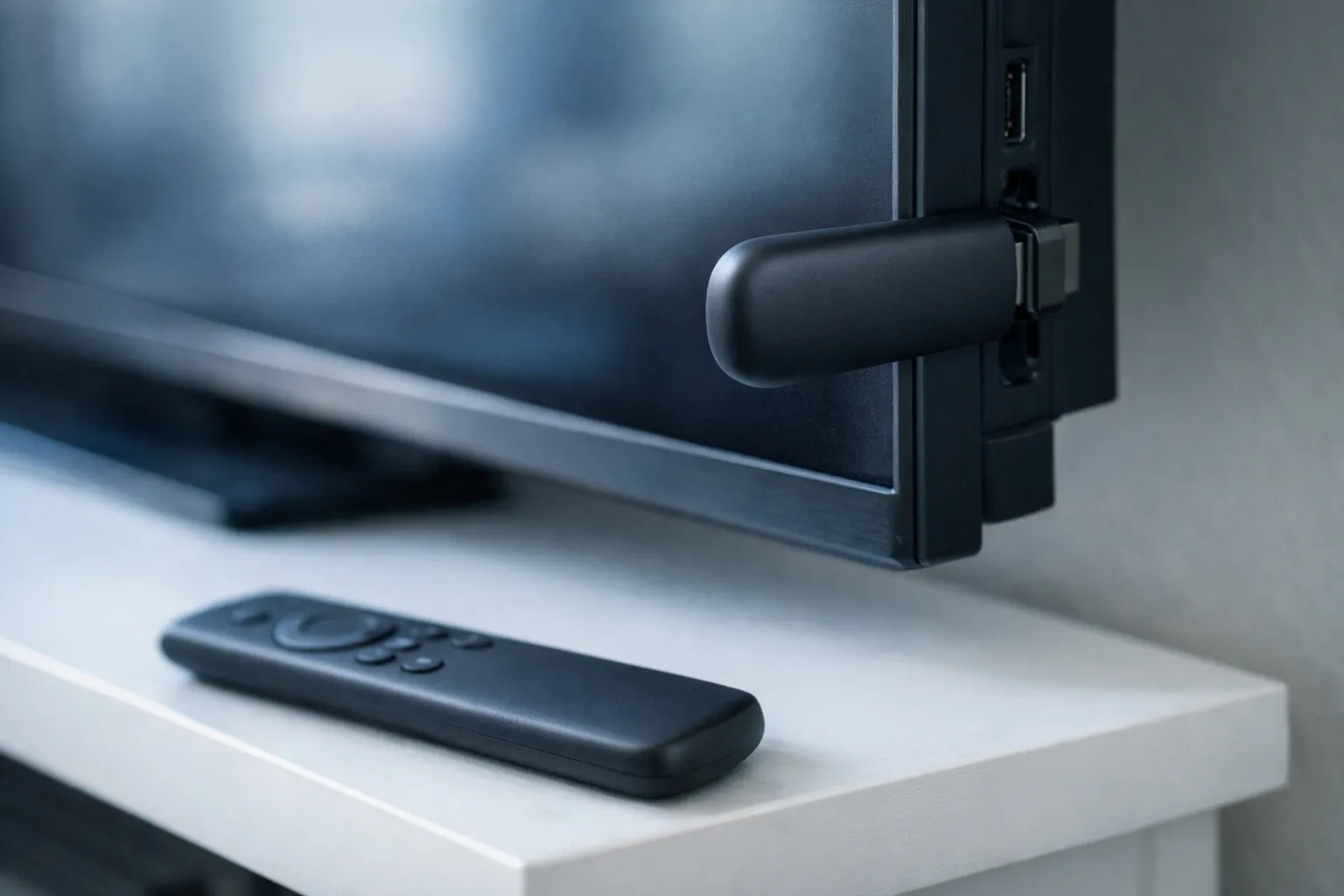
When IPTV keeps crashing, the subscription is rarely the problem: the device running the app is. This guide, part of our IPTV troubleshooting hub, helps you confirm it is really a crash, explains why large playlists strain small devices, and gives four fixes in the order worth trying, before you spend money on new hardware.
Crash, freeze or buffer? Name the symptom first
A crash closes the app; buffering pauses the stream while the app stays open; a black screen keeps the app open with no picture. They have different causes, so fixing the wrong one wastes an evening.
| What you see | What it is | Where to fix it |
|---|---|---|
| The app closes and you are back on the home screen | A crash | This guide |
| The app freezes on the loading or splash screen | A crash in slow motion, usually while loading the playlist or guide | This guide |
| The picture pauses and a spinner appears, the app stays open | Buffering | IPTV buffering fix |
| The app stays open, sound or nothing plays, the picture is black | Black screen | IPTV black screen fix |
If your symptom is the third row, go to the IPTV buffering fix; if it is the fourth, the black screen guide covers it. A freeze on the loading screen counts as a crash here, because the cause is usually the same.
One more check before any fix: does the app crash on every device you own, or only on one? A crash on a single device means the service and your login are working, and the problem lives on that device. A crash on every device at the same moment is rare and worth reporting to your provider.
Why big playlists crash small devices
Yes, a large channel list and guide can make an IPTV app crash. When the app starts, it downloads the provider's playlist, reads every entry, matches channels to the electronic programme guide (EPG) and keeps much of that in memory. A streaming stick has limited memory and storage, and the bigger the list, the more of both it needs.
To put a number on it: a full TVNado playlist lists 55,000+ live channels and 180,000+ movies and series. Add several days of guide data for every channel and the app is parsing a very large amount of text at launch. On a capable box that is a short wait. On an older stick that is already low on space, it is a common point for the app to freeze or close.
That is why crashes often appear after an app update, a playlist refresh or a longer guide setting: something made the load heavier, and the device ran out of room. It also explains why the same login runs smoothly on one device and crashes on another.
Fix 1: clear the app's cache
Open your device's list of installed applications, choose the IPTV app and select Clear cache. On Fire TV and Android TV, the controls sit in the device settings under applications; menu names vary by device and system version, so look for the app's storage or cache options.
Clearing cache keeps your login. It deletes temporary files, including stale playlist and guide data, so the next start takes a little longer while the app reloads them. Force-stop the app first, clear the cache, then open it again.
Clear data is the stronger option: it resets the app, removing your login and settings, so you will need your login details again. Use it only if clearing cache did not help, and have your server URL, username and password ready; our guide to IPTV login details explains where they come from.
Fix 2: free up storage
There is no published minimum, but an IPTV app needs room to store the playlist, the guide and its cache, and it crashes more often on a device that is nearly full. Check how much space is left in the device's storage settings.
- Uninstall apps you no longer use, especially games and second IPTV players you tried once.
- Delete installer files left behind after sideloading; the Downloader app can keep them unless you delete them.
- Clear the cache of other large apps too, not only the IPTV player.
Restart the device after freeing space, so the system can reclaim memory as well.
Storage fills up quietly. Every app update, every guide refresh and every cached poster image takes a little more, so a stick that worked well when it was new can start crashing a year later without any change on your side. Checking free space every few months keeps the problem from coming back.
Fix 3: update or reinstall from a trusted source
Yes, reinstall if clearing cache and freeing storage did not help, and always use the app's official store listing or the developer's own download. An outdated build can crash on a newer system version, and a modified copy from a random site can crash, or worse.
Uninstall the app fully, restart the device, then install the current version and log in again. If you sideload on a Fire Stick, our guide to Downloader codes for IPTV apps covers where to get the installer safely.
Fix 4: load less of the playlist
Hide the channel groups you never watch and shorten the guide window; the app then has far less to load. Many players let you hide channel groups; TiviMate, IPTV Smarters Pro and other apps each place the option differently.
Start with the biggest groups you do not use: international categories in languages you do not speak, adult or duplicate groups, and on-demand sections if you only watch live TV. Then look for a guide setting that limits how many days of programme data are loaded.
Yes, we are telling you to load less of our own catalogue. Most people watch a small share of any playlist, and hiding the rest costs nothing, while a new device costs money. Try this before replacing any hardware.
Once the list is shorter, pin the channels you watch most as favourites. Player apps let you pin favourite channels for instant access, so you spend less time scrolling through a long list, and the app does less work every time you open it.
When the device is the limit
Replace your streaming stick when it still crashes after all four fixes, with a trimmed playlist, plenty of free storage and a fresh install. At that point the hardware simply has too little memory for the apps you want to run.
Before buying, test on another device you already own: if the same login runs smoothly there, the service is fine and the old device is the bottleneck. Our guide to IPTV boxes and streaming sticks compares current options. You can also test on any device with the free 24-hour IPTV trial (no card), and compare plans on the TVNado pricing page.
Other signs that the device has reached its limit: other apps crash or close too, menus feel slow even outside the IPTV app, and the device runs hot after a short time. Those point to the hardware rather than to any single app or playlist.
Quick answers
Why does my IPTV app keep closing?
Usually low storage, a bloated cache or a playlist too large for the device. Work through the four fixes in order.
How do I clear cache on IPTV Smarters on a Fire Stick?
Open the Fire TV settings, find IPTV Smarters in the list of installed applications and choose Clear cache. Your login stays in place.
Why does IPTV crash when loading the EPG?
The guide is a large file matched against every channel at launch. Shorten the guide window and hide unused groups.
Is my Fire Stick too old for IPTV?
Only if it still crashes after clearing cache, freeing storage, reinstalling and trimming the playlist.
Stream Everything with TVNado
55,000+ live channels · NFL · NBA · MLB · 4K UHD · No contract · From $19.99/month